Claude plugins: sådan automatiserer du hele jobfunktioner med AI
24. feb. 2026 · 5 min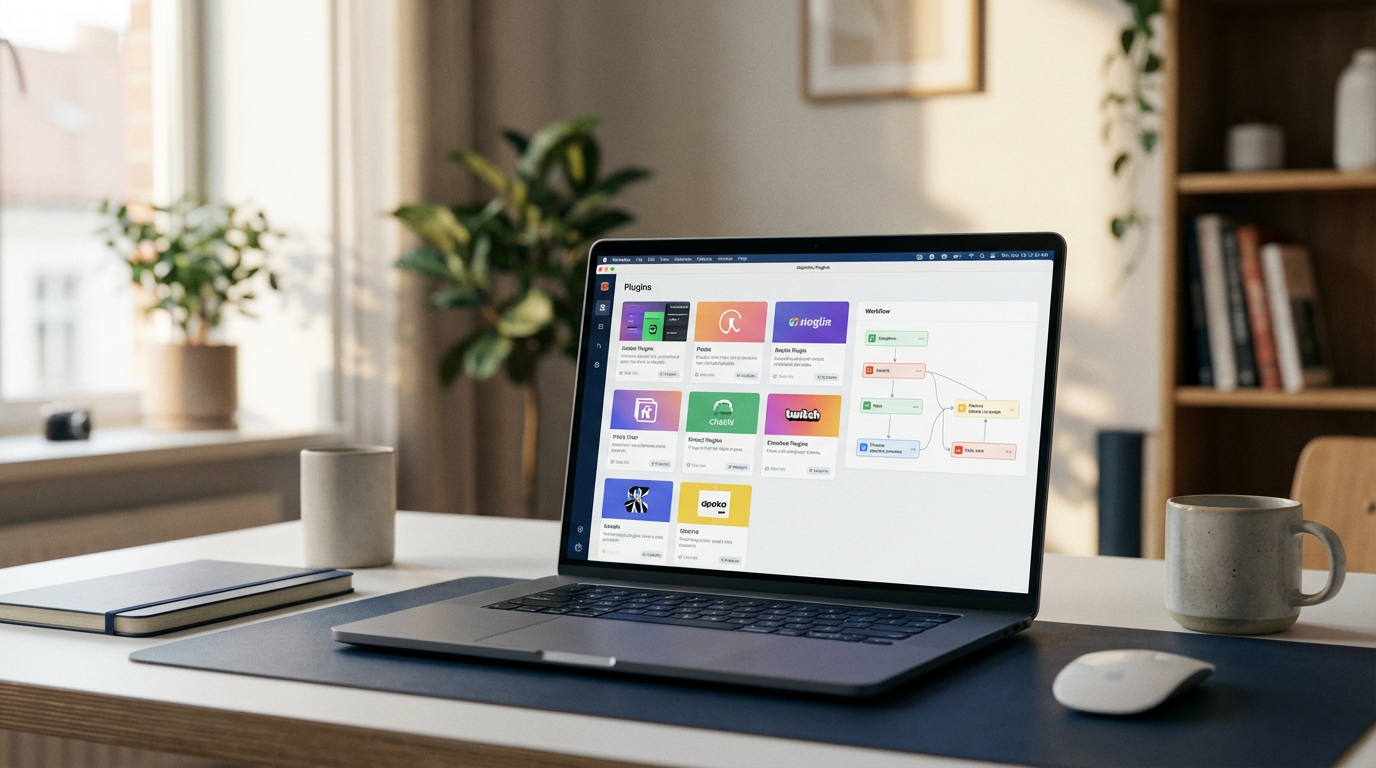
Claude Co-work plugins samler flere skills, værktøjer og konnektorer til hele jobfunktioner. Her er hvordan du installerer, tilpasser og bygger dine egne.
Jeg har brugt de sidste to uger inde i Claude Co-work. Ikke som eksperiment, men som mit primære arbejdsværktøj. Med Opus 4.6 under motorhjelmen kan det allerede klare det meste uden opsætning. Det store skift kom, da jeg opdagede plugins. Plugins giver dig mulighed for at træne Co-work til at udføre hele jobroller. Kundeservice, marketing, salg, produktledelse. Alt sammen med adgang til værktøjer og brancheerfaring. I dette indlæg gennemgår jeg forskellen på Claude Skills og plugins, hvordan du installerer dem, og hvordan du bygger dine egne fra bunden.
Hvad er Claude Skills?
Skills har været tilgængelige i Claude i et par måneder nu. De fungerer i det normale chatområde og er i bund og grund en opskrift: et sæt instruktioner til en bestemt opgave. Tænk oprettelse af fakturaer, SEO-artikler eller slides. En skill gør en ting godt, hver gang.
Du finder dem under Settings > Capabilities i Claude desktop-appen. Når du skriver "lav en branded faktura til 10.000 kr.", genkender Claude det og aktiverer den relevante skill automatisk. Resultatet er konsistent og genbrugeligt.
Men en fakturamedarbejder laver jo mere end fakturaer. Og det er her, plugins kommer ind.
Hvad er plugins, og hvordan adskiller de sig?
Et plugin er en samling af flere skills, værktøjer og konnektorer, der tilsammen udgør en hel jobfunktion. Hvis en skill er et opskriftskort til en enkelt ret, er et plugin en erfaren kok, der kender hele kogebogen, ved hvilket værktøj der skal bruges hvornår, og kan samarbejde med resten af køkkenet.
Anthropic lancerede plugins i research preview den 30. januar 2026 og udvidede dem til enterprise den 24. februar 2026. Der er 11 officielle plugins ved lancering, der dækker alt fra finans og HR til jura, marketing og kundesupport. Virksomheder som L'Oreal, Deloitte, Thomson Reuters og NYSE bruger dem allerede til at automatisere alt fra proxy-indberetninger til supporttickets.
Sådan installerer og bruger du plugins
I Claude desktop-appen finder du plugins i sidepanelet til venstre. Klik "Browse plugins" og du ser Anthropics standardplugins: bio research, data, legal, marketing, finans og flere.
Installation tager et klik. Derefter kan du trykke "Manage" for at se, hvad der er indeni: skills, kommandoer og konnektorer. Finans-pluginet har seks skills bundlet sammen (auditing, close management, financial statements, reconciliation osv.) og kan forbinde til Snowflake, Google Cloud BigQuery, Slack og MS365.
For at aktivere et plugin i Co-work trykker du plus-knappen, vælger "Plugins" og ser de tilgængelige. Hver har specifikke kommandoer du kan køre direkte.
Jeg testede marketing-pluginet ved at bede det skrive en velkomstsekvens til mit AI Recipe Vault. Resultatet: syv emails over 14 dage med en klar struktur for levering, værdiskabelse, storytelling og pitch. Planlægningen alene var mere gennemtænkt end det, de fleste soloentreprenører ville producere selv.
Tilpas plugins til din forretning
Standardplugins er et godt udgangspunkt, men de er generiske. Tryk "Customize" i plugin-manageren, og du kan bede Claude om at analysere din forretningskontekst og foreslå forbedringer.
Jeg linkede mit Claude-projekt til Co-work (via det normale chatområde: vælg projektet og tryk "Start task in Co-work"), og pludselig fik jeg output, der var skræddersyet til min målgruppe og mit brand. Du kan også tilføje egne skills til et eksisterende plugin. Jeg tilføjede min content atomizer skill til marketing-pluginet, så det nu kan tage et script, atomisere indholdet og derefter bruge email-skillen til at skrive sekvenser.
Byg dine egne plugins
Der findes endnu ikke mange tredjeparts-markedspladser, fordi teknologien er så ny. Men du kan:
- Tilføje plugins fra GitHub-markedspladser (f.eks. "Awesome Claude Plugins")
- Importere via URL, hvis nogen deler deres plugins med dig
- Lade Claude bygge et plugin for dig fra bunden
Jeg bad Claude om at bygge et "Lead Magnet Launch Kit" plugin til min forretning. Det analyserede min kontekst, stillede et par spørgsmål, og 10 minutter og en kop te senere havde det bygget et plugin, der tager et emne og en målgruppe som input og producerer en komplet funnel: koncept, landingsside-kopi, velkomstsekvens og distributionscheckliste. Jeg trykkede "Save plugin" og det var klar til brug med det samme.
Hvor du starter
Claude plugins flytter AI fra "smart chatbot" til faktisk medarbejder. Med 11 officielle plugins, fuld tilpasningsmulighed og muligheden for at bygge dine egne, kan du automatisere hele jobfunktioner i din forretning i dag. Start med et standardplugin, tilpas det til din kontekst, og byg videre derfra.
Vil du have flere hurtige indsigter og diskussion om AI i praksis? Jeg deler løbende på LinkedIn (link in bio).
Idéer er billige.
Systemer leverer.
Fortæl mig, hvad I bygger. Jeg siger ligeud, hvad der er værd at gøre.
Start en samtale →